Partners · Field service
ServiceBridge.
Inspections plug into ServiceBridge jobs, attaching reports and creating follow-up work orders.
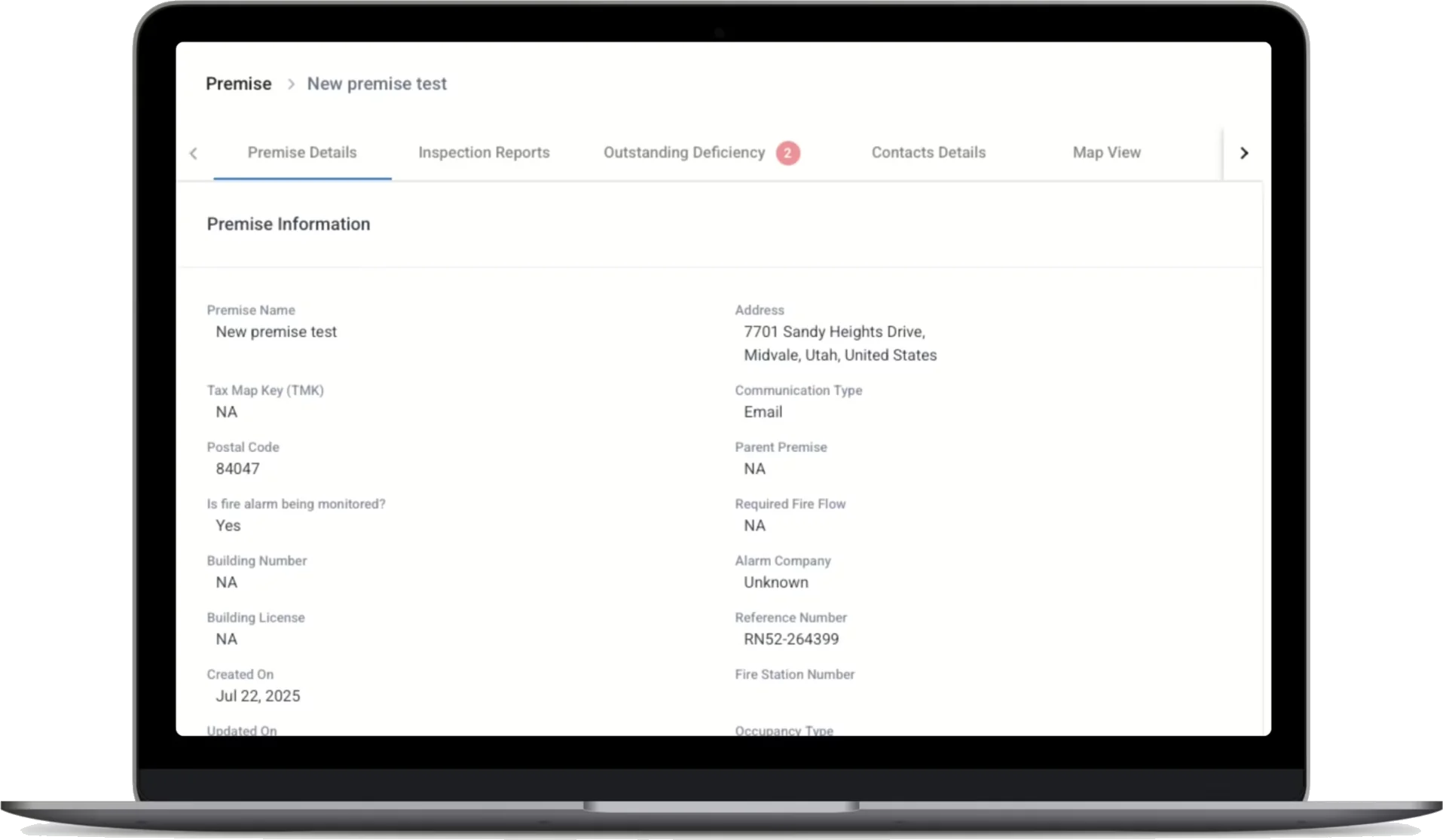
The ServiceBridge integration ties fire protection inspections into the rest of your field service work. ServiceBridge customers, locations, contacts, and work orders populate Inspect Point's accounts, buildings, contacts, and inspections, so both systems describe the same jobs.
Schedule changes and technician assignments sync from ServiceBridge into Inspect Point, keeping calendars accurate for office staff and crews.
When an inspection wraps, the report attaches to the related ServiceBridge work order automatically. If the inspection found deficiencies, a follow-up work order is created in ServiceBridge so your team can quote and resolve the repair.
What moves between systems
Customers and work orders
ServiceBridge customers, locations, contacts, and work orders populate Inspect Point accounts, buildings, contacts, and inspections.
Schedules and technician assignments
Schedule changes and technician assignments sync from ServiceBridge into Inspect Point.
Completed inspection reports
Finished reports attach automatically to the related ServiceBridge work order.
Deficiency follow-up work orders
Deficiencies found during an inspection trigger a follow-up ServiceBridge work order for quoting and repair.
Where it fits, inspection to collection
More in field service


See the ServiceBridge integration
on your own workflow.
Bring the account you'd connect first. We'll walk the ServiceBridge connection on it during the demo.