Partners · From Inspect Point
FireCAD.
Device lists built in FireCAD land in Inspect Point ready for scheduling and asset tracking.

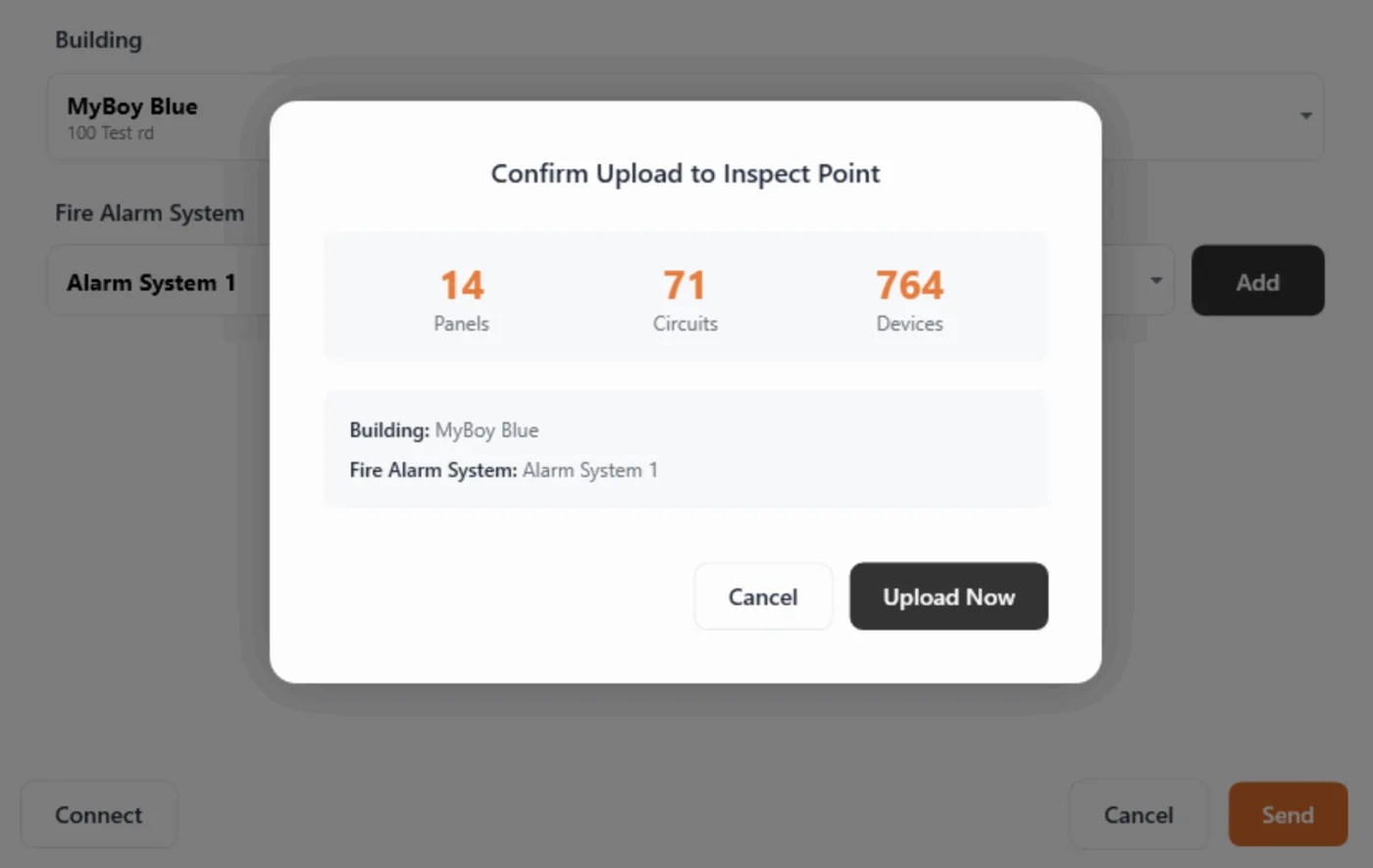
FireCAD and Inspect Point link design to inspection. Fire alarm device lists and bills of materials push directly from FireCAD into Inspect Point, so every device is ready for inspection scheduling and ongoing asset management without manual entry.
Each device carries its type, make, model, address, and zone, so inspectors, technicians, and project managers work from the same verified data the designer built.
Re-syncing is safe. Uploading the same devices again updates the existing records instead of creating duplicates, and edits made in Inspect Point stay put unless you re-sync the original FireCAD data.
What moves between systems
Device lists and BOMs
Fire alarm device lists and bills of materials push from FireCAD into Inspect Point.
Device attributes for tracking
Type, make, model, address, and zone sync over for inspection scheduling and asset tracking.
Updates without duplicates
Syncing the same devices again updates the existing Inspect Point records rather than duplicating them.
A sync covers one fire alarm system at a time; run the upload again to cover additional systems.
Typical sync times run from 5-10 seconds for 100 devices to 30-60 seconds for 1,000 or more.
Where it fits, inspection to collection
More from Inspect Point

See the FireCAD integration
on your own workflow.
Bring the account you'd connect first. We'll walk the FireCAD connection on it during the demo.